 Save Any Page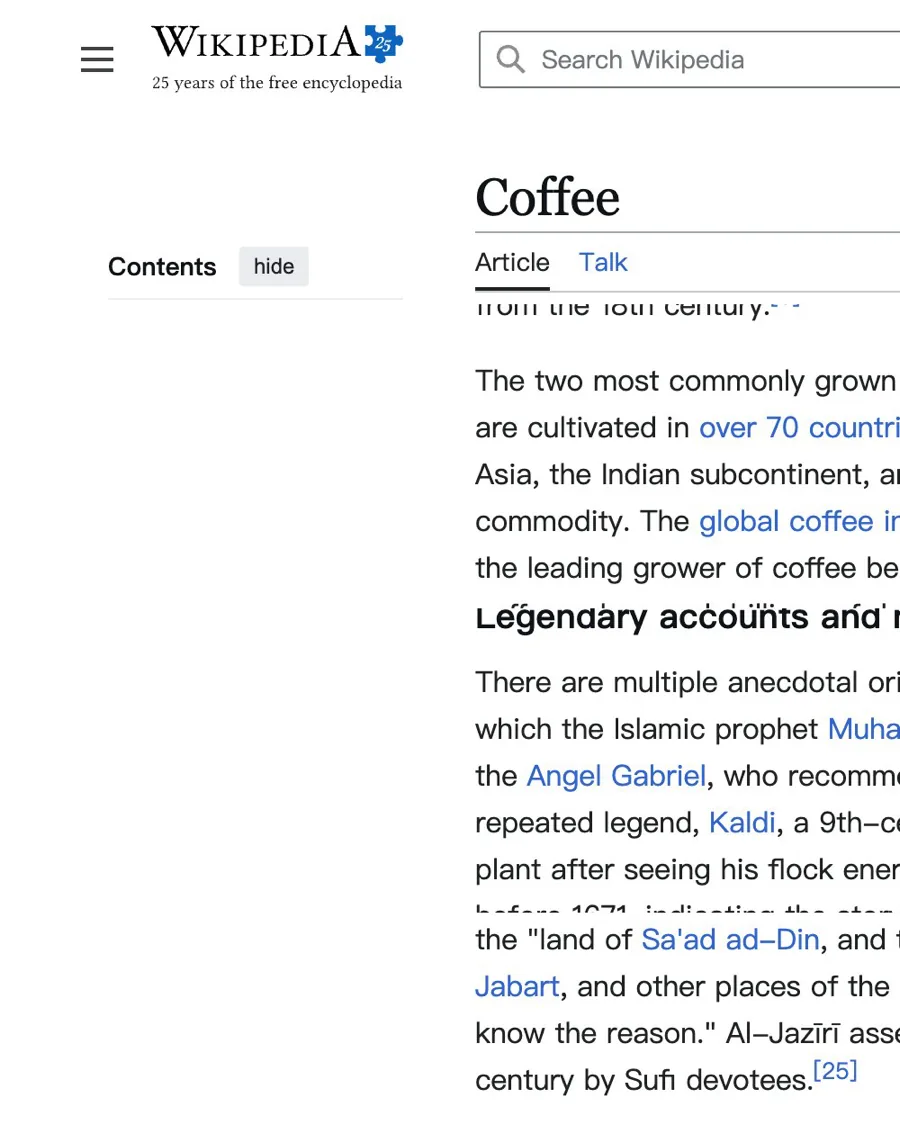
Full-page image & PDF
The whole page, top to bottom, at your screen’s full resolution. Free.
Open the side panel on any page and pick what you want to keep. Full-page export is free. AI turns long pages into short summaries, shareable cards, clean documents and mind maps — in your language.
Coming soon to the Chrome Web Store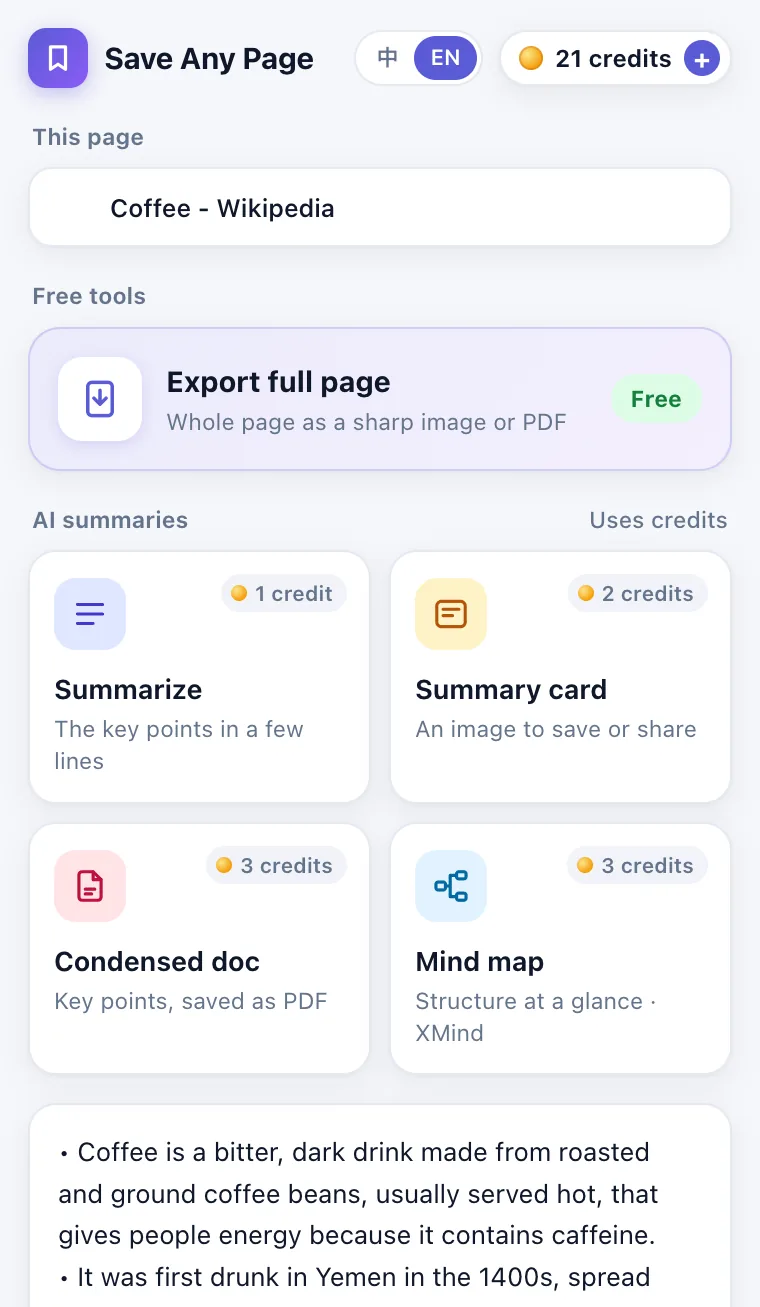
Save Any Page is a Chrome extension that exports any web page as a full-page image or PDF for free, and uses AI to turn the page into a summary, a shareable summary card, a condensed PDF document or a mind map you can open in XMind. It works in a side panel next to the page, needs no account and no API key, and gives results in English or Chinese.
Real results from one Wikipedia article. Nothing here is a mock-up.
The whole page, top to bottom, at your screen’s full resolution. Free.
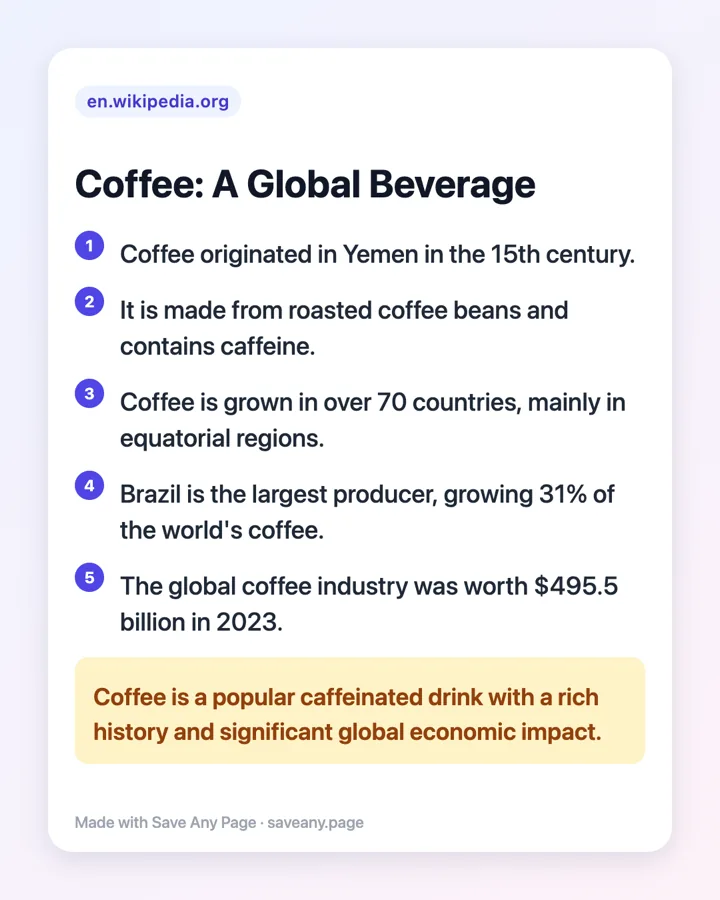
The key points on one image you can save or send.
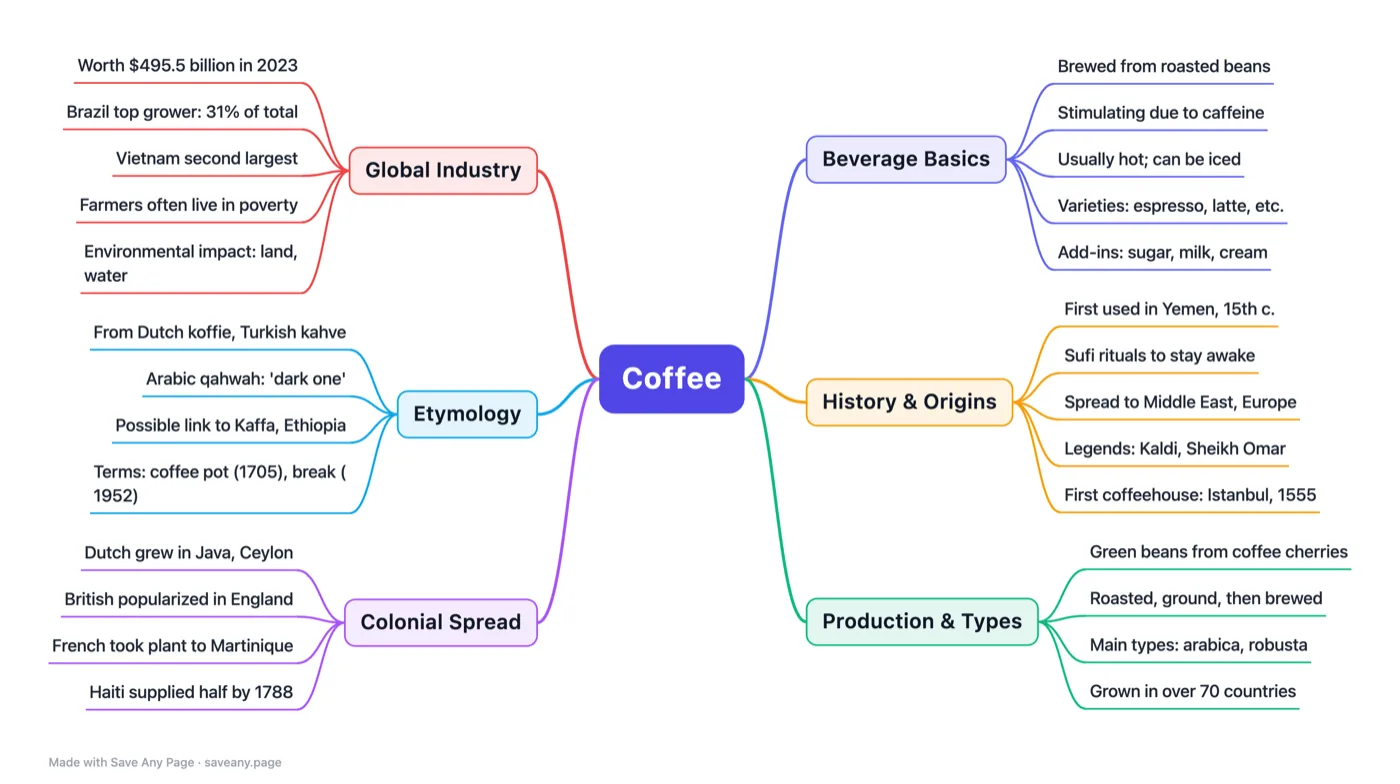
The structure of the page at a glance. Download as an image or an XMind file.
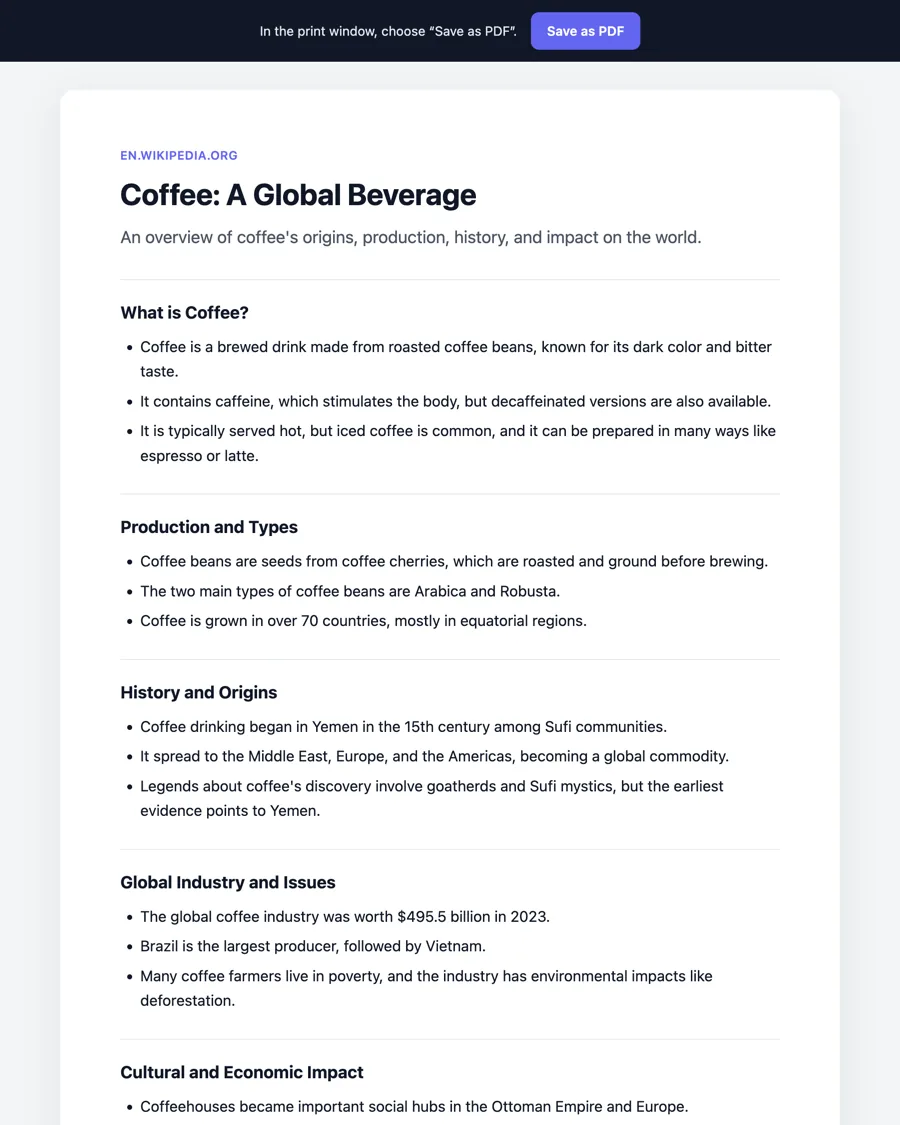
A clean one-to-two page brief with jargon explained. Save it as PDF.
An article, a policy, a recipe, a product page — anything you want to keep.
Save Any Page opens in the side panel, next to the page you are reading.
Get your image, PDF, card or mind map in seconds. No typing, no prompts.
Scrolls and captures the entire page into one sharp image or an A4 PDF. Runs on your device and is never uploaded.
The key points in a few lines, plus what the page means for you.
A clean 1080 × 1350 image with the main points — ready to share.
Sections, bullet points and a glossary of terms. Save it as PDF.
A balanced mind map of the page as a PNG image or an .xmind file.
Every install starts with 30 free credits. Full-page export is always free. Buy more only if you need them — one-time payments, and credits never expire.
Payments are processed securely by Stripe. No subscription.
Yes. Exporting a whole page as an image or PDF is free and unlimited. AI actions use credits: every install gets 30 free credits, and when they run out you still get one free 1-credit action per day. Extra credits start at $1 for 60 and never expire.
Open the page, click the Save Any Page icon, then click “Export full page”. The extension scrolls through the page, stitches it into one full-resolution image, and lets you download it as a PNG or as an A4 PDF.
Click “Mind map”. AI reads the page and breaks it into a central topic, 4–7 branches and their sub-points. You can download it as a PNG image or as an .xmind file that opens in XMind for further editing.
Full-page export happens entirely on your device. When you choose an AI action, the page’s title, address and visible text are sent to our server and an AI model provider to create the result, and are not stored. Your history stays in your browser. See the privacy policy for details.
No. Install it and it works. There is no sign-up, no password and no API key to configure.
The interface and AI results are available in English and Chinese. It can read pages in any language — for example, it can summarize a Japanese page in English.
Credits never expire. If you are not happy with a purchase, email us within 14 days — see the refund policy.
Google Chrome on desktop (Windows, macOS, Linux, ChromeOS). It does not work on browser pages such as chrome:// settings or the Chrome Web Store itself.
Free full-page export. AI summaries when you need them.
Coming soon to the Chrome Web Store